
What is a Crypto QR Code and How to Use It Safely? (BuyUcoin Guide)
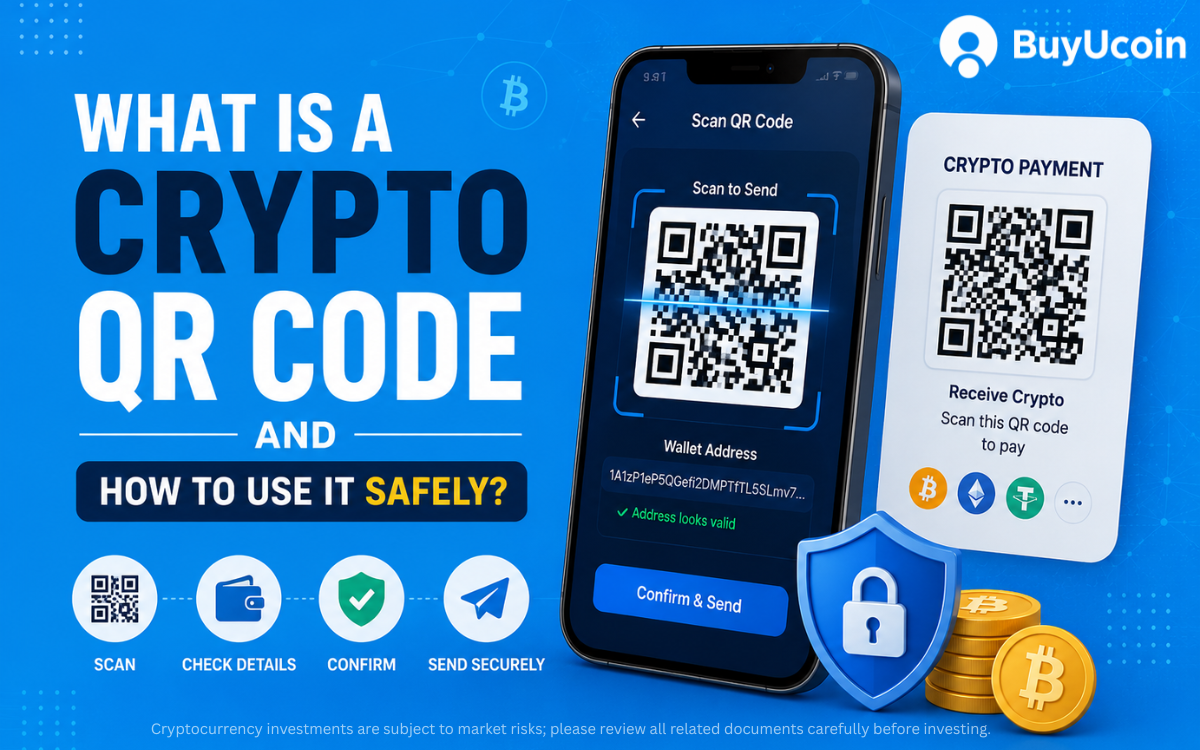
In the virtual digital asset (VDA) landscape, transaction speed and security determine the quality of your trading experience. Sending or receiving cryptocurrency traditionally requires sharing a public wallet address. However, these cryptographic strings are incredibly long, ranging from 26 to over 40 alphanumeric characters.
Manually typing or copy-pasting these addresses introduces a massive margin for human error. A single misplaced character can route your hard-earned funds into an unrecoverable blockchain void.
To eliminate this friction, compliance-first platforms leverage visual matrix codes. Here is your definitive guide to understanding what a crypto QR code is, how the underlying technology functions, and how to execute transactions securely on India's trusted BuyUcoin Exchange.
What is a Crypto QR Code?
A crypto QR (Quick Response) code is a scannable, two-dimensional barcode that compresses complex blockchain address data into a distinct pixelated matrix. Instead of dealing with raw hexadecimal strings, users scan this visual code with a mobile camera to parse the destination protocol instantly.
Core Data Encoded Inside a Crypto QR Code:
Public Key Destination: The absolute wallet address receiving the specific digital asset.
Native Network Protocol: The designated blockchain infrastructure identifier (e.g., Bitcoin native, ERC-20, or TRC-20).
Pre-filled Invoicing (Optional): Specific transactional values pre-configured for automated point-of-sale merchant checkouts.
How Does a Crypto QR Code Work?
The mechanics behind a cryptocurrency QR code run on a simple three-step synchronization pipeline that bridges your smartphone device to the blockchain ledger.
[Receiving Wallet] -> Generates QR Matrix from Public Key Address
↓
[Sender's Mobile App] -> Camera Scans Matrix & Automatically Decodes String
↓
[Blockchain Ledger] -> Transaction Executed to Verified Encoded Address
Algorithmic Encoding: When you request a deposit, the exchange algorithm converts your public text key into a grid of black and white squares.
Optical Parsing: The sender's smartphone camera captures this grid configuration and translates the visual pattern back into a clean text string.
Automatic Form Filling: The sending application automatically populates the destination address field, removing any need for manual typing.
How to Send and Receive Crypto via QR Code
Executing QR transactions requires a platform optimized for clean user interfaces. Ensure you download the official, secure, and best crypto exchange App on your mobile device to access the built-in scanner.
Phase A: Generating Your QR Code to Receive Crypto
Open your mobile app and navigate straight to the Wallet dashboard.
Tap on the Deposit action button.
Select your target asset, ensuring you pay close attention to your USDT network selection if dealing in stablecoins.
The system will generate your high-resolution QR matrix alongside the plain-text address.
Save the image or share it directly with the sender to initiate funding.
Phase B: Scanning a QR Code to Send Crypto
Access your portfolio balance and select the Withdraw or Send function.
Choose the specific digital asset you want to transfer out.
Look next to the recipient address field and tap the native QR Scanner Icon.
Point your phone camera grid at the recipient's display to instantly populate the destination field.
Double-check the automated text field, confirm the network, and execute the transfer.
The Pros and Cons of Using Crypto QR Codes
Evaluating the strategic benefits and trade-offs of using visual codes is vital for managing your everyday portfolio risk.
The Pros (Advantages)
Zero Typos: Eradicates the catastrophic threat of losing funds due to human typing errors.
Rapid Execution: Trims transaction setup times down from minutes to a single second.
Merchant Integration: Enables global retail storefronts to accept crypto effortlessly at POS terminals.
Cross-Device Synergy: Allows desktop browser web apps to sync with your mobile camera seamlessly.
The Cons (Risks)
Visual Exploits: Bad actors can physically paste fake QR stickers over legitimate merchant codes.
Network Blindspots: QR codes do not always explicitly warn you if you scan a mismatched blockchain network.
Malware Interception: Compromised mobile clipboards can alter addresses right after scanning occurs.
Security Checklist: How to Avoid QR Code Scams
Because cryptocurrency transactions are completely irreversible, safety should always remain your highest priority.
Follow this baseline defensive checklist on every scan:
Audit the Character String: Never rely purely on the visual scan; verify the first 5 and last 5 characters of the text address populated on your screen.
Enforce Asset Match: Verify that you are not scanning an Ethereum (ERC-20) address to send native Bitcoin assets.
Inspect Physical Signage: Look for tampering, double layers, or suspicious stickers when paying in retail environments.
Prioritize Regulated Platforms: Trade exclusively on platforms enforcing strict KYC and AML policies to safeguard your asset infrastructure from unauthorized P2P bank account freeze orders.
Frequently Asked Questions (FAQs)
Q1. Can I send Bitcoin to an Ethereum QR code?
No. Sending assets across structurally incompatible blockchain networks will result in permanent, unrecoverable loss of your funds. Always match the asset type to the correct network.
Q2. Is a crypto QR code permanent or temporary?
Your primary wallet addresses on BuyUcoin generate static, permanent QR codes. However, merchant checkouts create dynamic, single-use codes that expire after a set time window.
Q3. Can someone hack my wallet just by seeing my crypto QR code?
No. Your QR code only contains your public address, which functions exactly like a bank account number. Your private keys remain completely encrypted and hidden.
Q4. Does scanning a QR code incur extra transaction fees?
No. Scanning a QR code is simply an input method. Standard network gas fees or platform withdrawal charges remain identical to manual entry.
Conclusion
Crypto QR codes turn the complex process of managing cryptographic public keys into a smooth, frictionless mobile payment routine. By eliminating typos, they make everyday digital asset transactions highly reliable and practical. Sign up for a BuyUcoin Crypto Wallet today to experience secure, compliant, and lightning-fast digital asset management.
Ready to simplify your digital asset management?
Head over to our trading platform to buy cryptocurrencies in India instantly. Set up your secure account, generate your personal transaction QR codes, and start trading with complete confidence today!