
How to Check Your Apple Gift Balance via Wallet Quickly
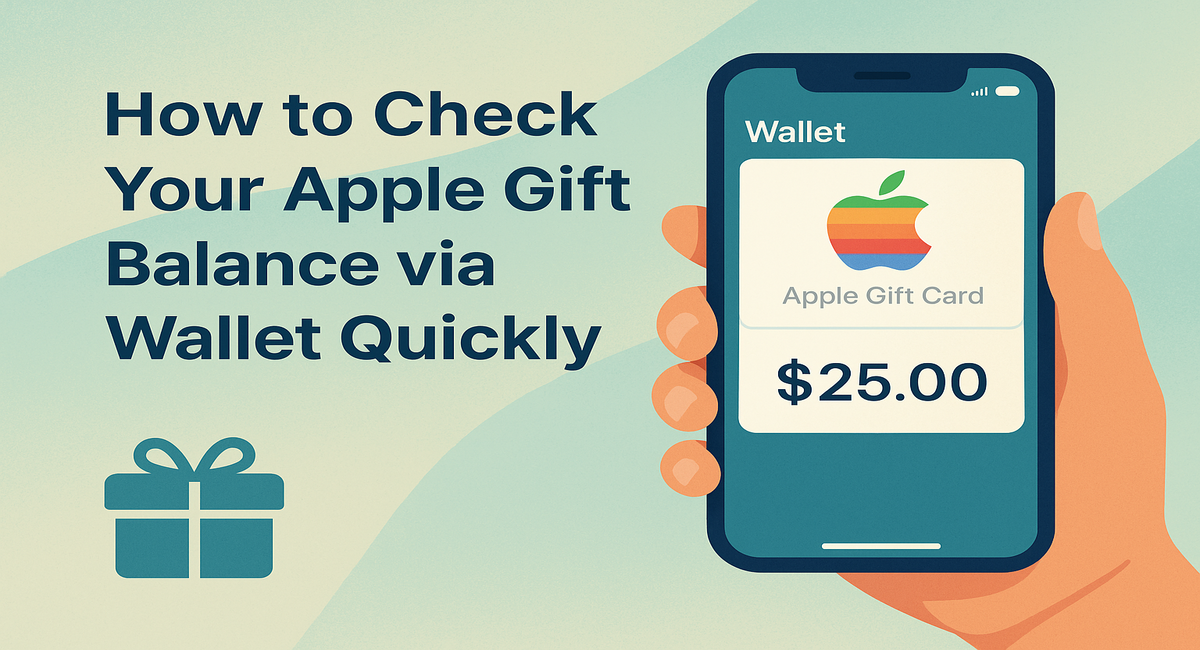
In today’s digital age, keeping track of your Apple gift card balance has never been more important. Whether you’ve just purchased an Apple gift card for yourself or received one as a thoughtful gift, knowing your remaining balance can save you from unexpected declines at checkout. If you’re looking for a fast, seamless way to check your Apple gift balance via Wallet, you’re in the right place. At Gyftwala, we make it easy for you to buy Apple gift cards online, and this guide ensures you can stay on top of your spending effortlessly.
Why Checking Your Apple Gift Card Balance Matters
Many users underestimate the importance of monitoring their Apple gift card balance. Here’s why it’s essential:
Avoid Purchase Failures – Knowing your balance prevents awkward moments at checkout.
Budget Management – Track your spending across apps, subscriptions, and the App Store.
Redeem Offers Efficiently – Apple occasionally provides promotions for partial redemptions; knowing your balance helps maximize benefits.
Gift Management – If you’ve received multiple Apple gift cards, tracking balances ensures none go unused.
According to Apple, over 30 million users worldwide rely on Apple gift cards for app purchases, subscriptions, and media, making balance checks a crucial habit.
Methods to Quickly Check Your Apple Gift Balance via Wallet
Apple provides multiple ways to check your Apple gift card balance, but using the Wallet app is the fastest and most convenient method. Let’s break it down step by step.
1. Using the Apple Wallet on iPhone or iPad
The Wallet app is integrated with iOS devices, allowing you to check your Apple gift card balance instantly.
Step-by-Step Guide:
Open the Wallet app on your iPhone or iPad.
Locate your Apple gift card within the list of stored passes.
Tap the gift card. Your current balance will be displayed immediately.
This method is ideal for users who prefer real-time updates without navigating multiple settings.
2. Checking Through the App Store or Apple ID
If you don’t have your Wallet handy, you can check your Apple gift card balance via your Apple ID:
Open the App Store app.
Tap your profile icon at the top right corner.
Select Redeem Gift Card or Code.
Enter your gift card code (if not already redeemed).
Your remaining balance will appear under your Apple ID account.
This method is particularly useful for older cards or users who frequently switch devices.
3. Using Mac or PC
For desktop users, checking an Apple gift card balance is equally simple:
Open iTunes or the Apple Music app on your Mac/PC.
Sign in with your Apple ID.
Click Account > View My Account.
Under the Apple ID Summary, your Apple gift card balance is displayed.
This ensures you can manage your gift card even without your mobile device.
Tips to Manage Your Apple Gift Card Efficiently
Knowing your balance is just the first step. Here are expert tips to help you maximize your Apple gift card usage:
Keep a Running Total: Regularly check your balance to avoid overspending.
Use for Subscriptions: Apple Music, Apple TV+, and iCloud storage can all be paid with gift cards.
Combine Cards: You can redeem multiple Apple gift cards to top up your account and consolidate balances.
Track Expiration: While most Apple gift cards do not expire, always verify terms to prevent losing unused funds.
Common Issues When Checking Apple Gift Card Balance
While Apple provides multiple ways to check your balance, some users encounter issues:
Gift Card Not Appearing in Wallet – Ensure the card was correctly added and your iOS is updated.
Balance Not Updating – Try signing out and back into your Apple ID.
Invalid Card – Double-check the code entry for typos; redeeming an already used card can cause errors.
Understanding these common hurdles ensures a smoother experience every time.
Advantages of Using Apple Gift Cards from Gyftwala
If you haven’t purchased an Apple gift card yet, Gyftwala is your trusted platform. Here’s why:
Instant Delivery – Receive your digital gift card code immediately after purchase.
Bulk Buy Options – Perfect for businesses or gift-giving during festive seasons.
Exclusive Offers and Discounts – Save more when you buy in bulk.
Safe & Secure – Gyftwala ensures all transactions are encrypted and reliable.
Buy your Apple gift card from Gyftwala now and enjoy seamless shopping across Apple services.
FAQs About Apple Gift Card Balance
Q1: Can I check the balance of multiple Apple gift cards at once?
Yes, after redeeming multiple cards to your Apple ID, the total combined balance is visible in Wallet or App Store.
Q2: Is there a limit to how often I can check my Apple gift card balance?
No, Apple allows unlimited balance checks without restrictions.
Q3: Can Apple gift cards be refunded?
Typically, Apple gift cards are non-refundable, so tracking your balance ensures no funds go unused.
Q4: Can I use my Apple gift card internationally?
Yes, but make sure the card matches your country’s Apple ID region to avoid usage restrictions.
Why Checking Your Balance Quickly Matters in 2025
With the surge in online shopping, app subscriptions, and gaming purchases, the Apple gift card has become more than a simple gift—it’s a budget-friendly tool for digital spending. By checking your balance quickly via Wallet, you can:
Prevent declined transactions during high-demand sales.
Plan purchases around discounts or Apple promotions.
Keep track of multiple cards for gifting or personal use.
In 2025, millions of users worldwide rely on Apple gift cards to manage their digital lifestyle efficiently, making balance checks not just convenient but essential.
Ready to Buy Apple Gift Cards? Get Yours Now at Gyftwala
If you haven’t yet secured your Apple gift card, there’s no better time than now. Gyftwala offers the easiest, fastest, and safest way to purchase Apple gift cards online.
Enjoy instant delivery directly to your inbox.
Take advantage of exclusive discounts and offers.
Perfect for bulk buying for friends, family, or business purposes.
Click here to buy your Apple gift card today! Empower your digital spending and never worry about checking balances again—Gyftwala makes it seamless.